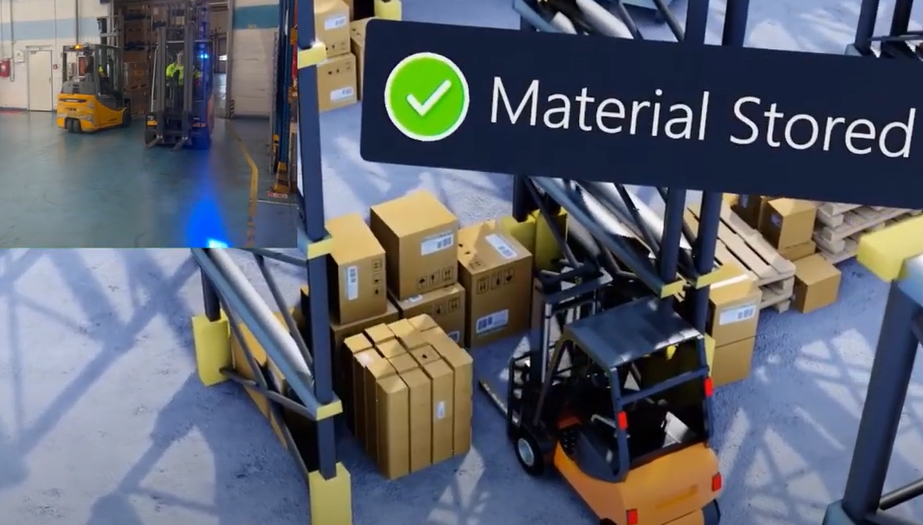
In today's digital age, companies are constantly seeking ways to enhance their business processes, and one of the most promising technological advancements in this regard is the development of digital twins. A digital twin is a virtual replica of a real-life entity, be it a product, a process, or an entire logistics network. It enables organizations to simulate and monitor real-life situations, allowing them to identify issues, optimize operations and reduce idle time.
Twinzo is one such digital twin solution that has taken the market by storm. With its innovative features and user-friendly interface, Twinzo has become a go-to tool for companies looking to improve their business processes. However, one question that often arises is whether you can use Twinzo even if you don't have live data or can't connect to it. The answer is a resounding yes!
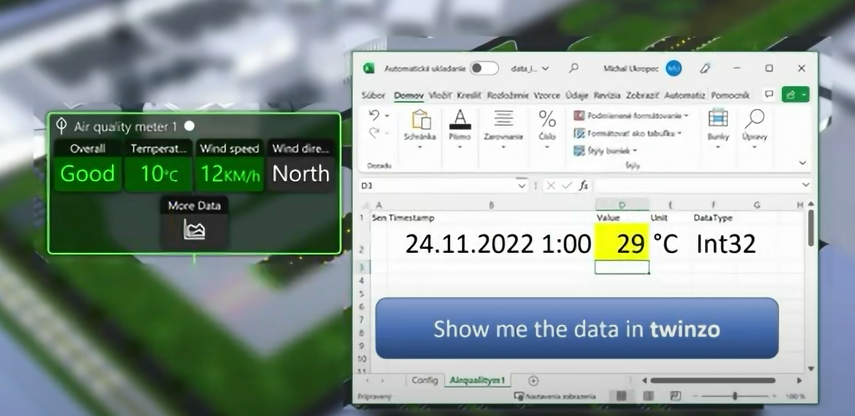
Thanks to Twinzo's new Excel sheet feature, you can input data directly into your digital twin, including historical data. This feature allows you to recreate any situation and see how your recreated reality performs. This means that even if you don't have access to live data, you can still benefit from the power of Twinzo.
Using the Excel sheet feature is straightforward. Simply input your data into the Excel sheet, and then upload the sheet into your Twinzo digital twin. You can then monitor and analyze the performance of your virtual entity and make adjustments as needed.
The Excel sheet feature of Twinzo is incredibly versatile and has a wide range of applications. One such use case is the ability to compare historical data with live data to gain insights into performance trends. By inputting historical data into your digital twin, you can compare it to the live situation and see how it performs in real time. This feature is especially useful for businesses looking to identify areas for improvement, as it allows them to compare current performance with past performance and make data-driven decisions. Whether you're monitoring sales trends or optimizing a production process, the Excel sheet feature is an invaluable tool to help you make the most of your digital twin.
In conclusion, the Excel sheet feature is a game-changer for anyone looking to use Twinzo's digital twin solution, even without live data or connectivity. It's an innovative and practical solution that allows organizations to harness the full potential of digital twin technology. To learn more about the Excel sheet feature, be sure to check out Twinzo's latest blog post.

.png)